Blog
Screenshots of popular websites, captured with FrameSnap.

FrameSnap vs Cuttlescan
Compare FrameSnap with Cuttlescan on output quality, scheduled capture, pricing, and how each handles authenticated pages.
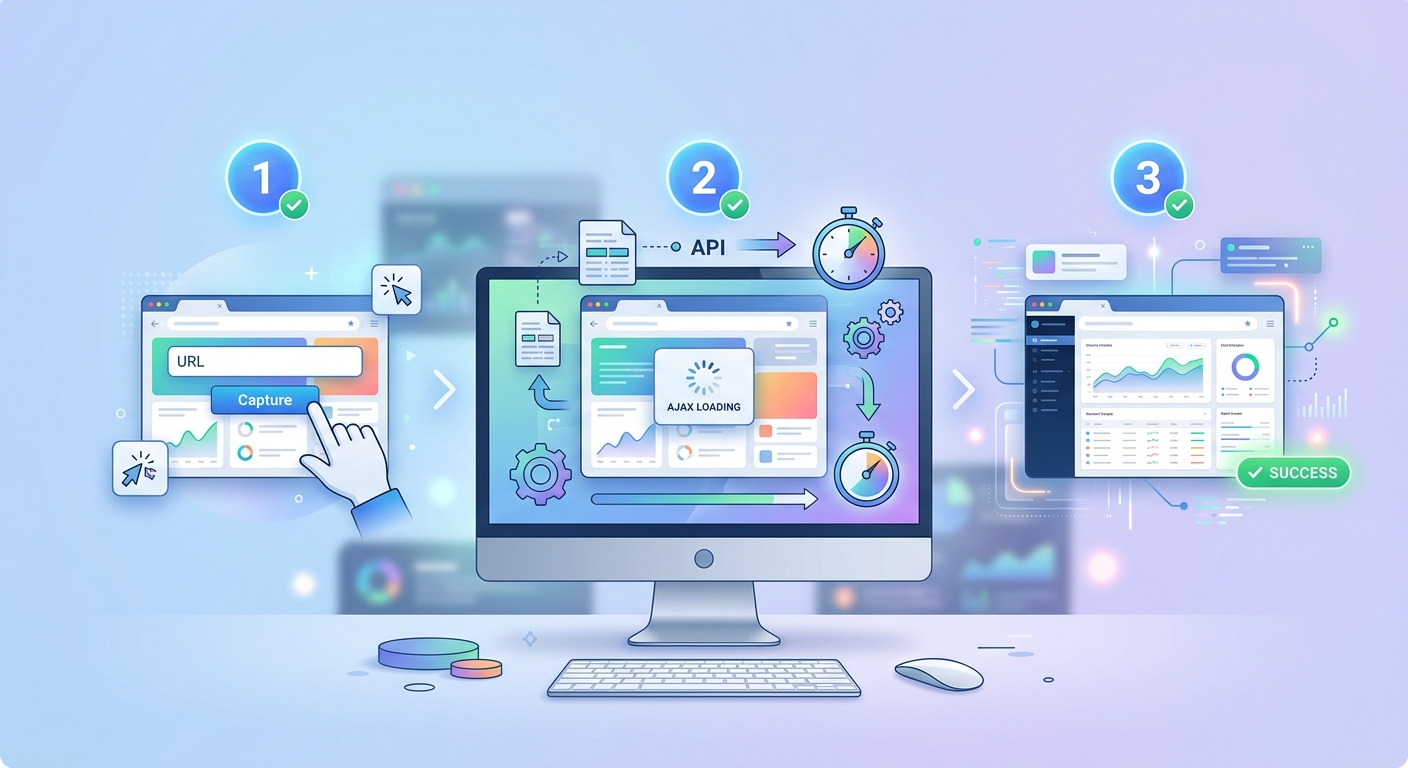
How to Capture AJAX-Heavy Website Screenshots
Capture AJAX-heavy sites with a wait-for-selector parameter. FrameSnap holds for network idle before snapping the rendered DOM.

How to Screenshot Websites for Instagram Posts
Capture website screenshots sized for Instagram (1080-pixel square, 4:5 portrait, 9:16 stories) via one API call. Custom CSS and font injection supported.
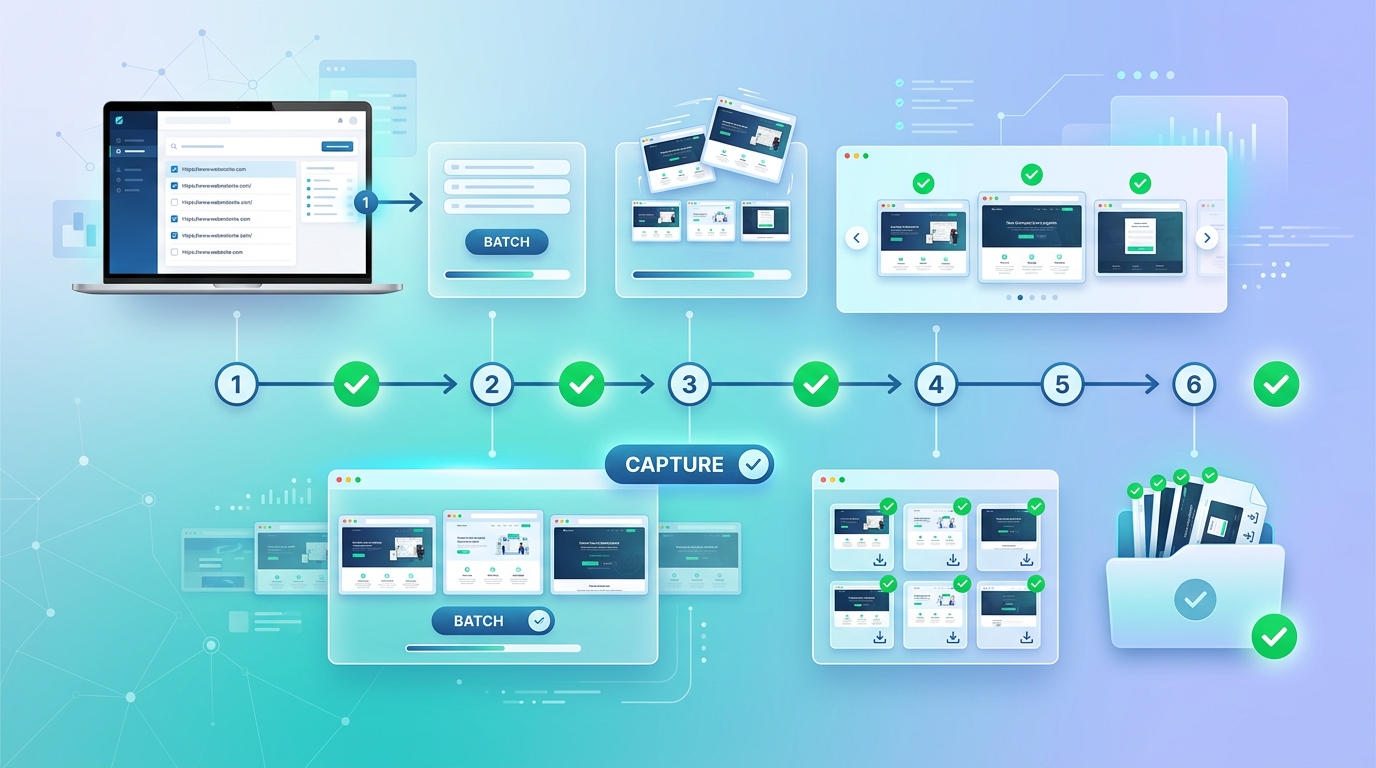
How to Batch Capture Multiple Website Screenshots
Send up to 100 URLs in one batch request. Parallelize the capture, return a single ZIP or per-URL JSON list of PNG URLs.

Take Website Screenshots in Ruby on Rails
Capture full-page Ruby on Rails screenshots in one API call. PNG, JPEG, PDF, retina, dark mode. Free 100 calls/month, no credit card.
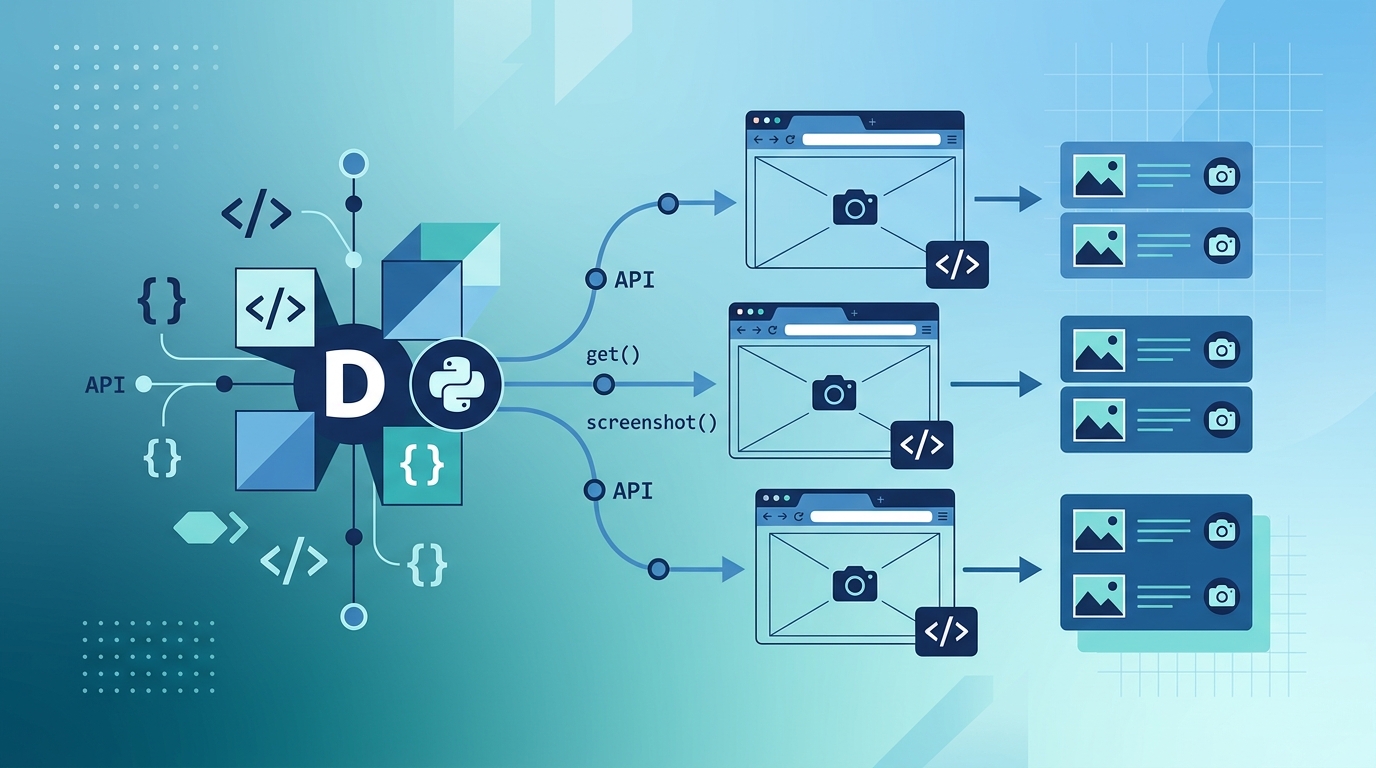
Take Website Screenshots in Django
Take full-page screenshots from Django views or Celery jobs. PNG, JPEG, and PDF outputs with one HTTPS request per URL.
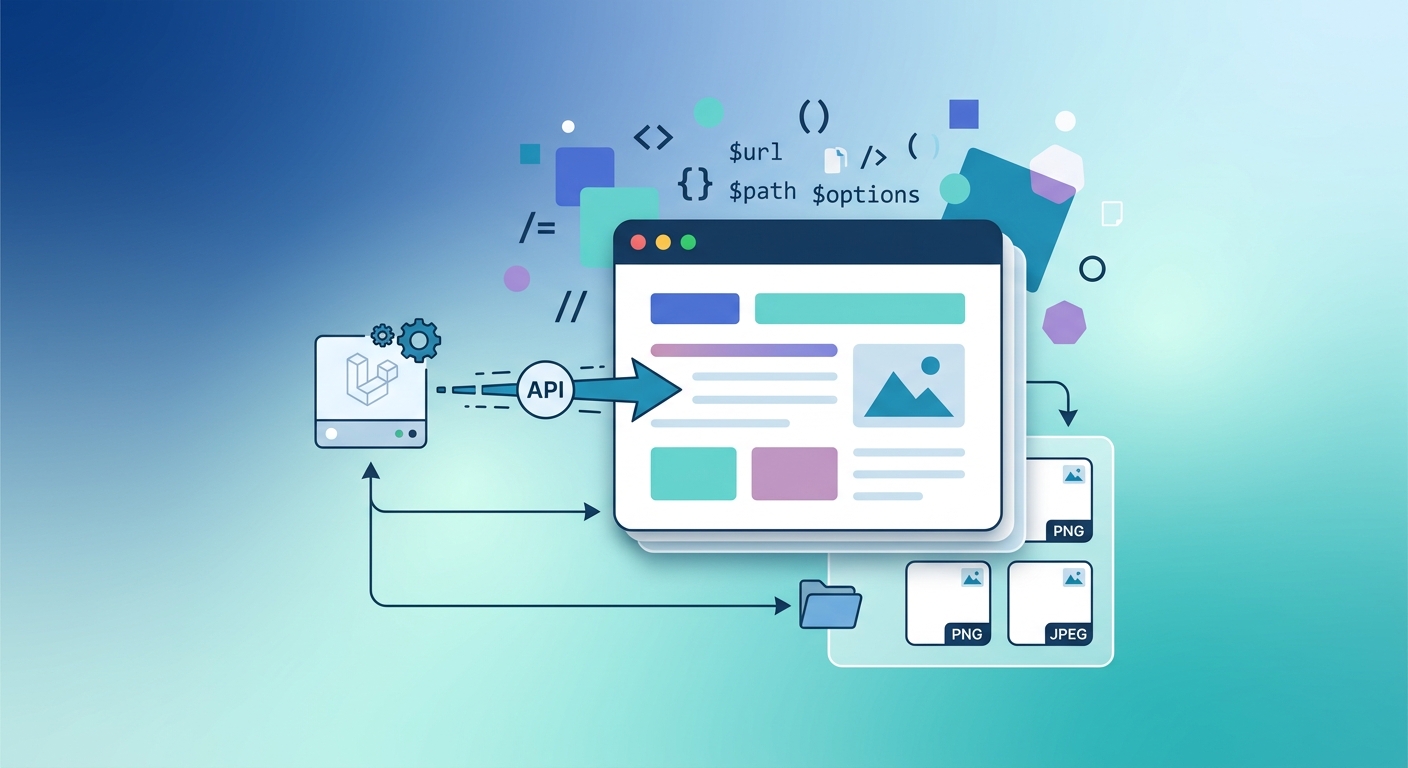
Take Website Screenshots in Laravel
Capture any URL from Laravel with a single HTTP call. Full-page, viewport, retina, and PDF outputs without headless Chrome.

FrameSnap vs Base64Screenshot
Skip Base64Screenshot's manual flow. One API call returns a CDN-hosted PNG URL plus optional base64 for legacy pipelines.

FrameSnap vs Ghostshot
Compare FrameSnap with Ghostshot on output formats, pricing, throughput, and how each handles scheduled captures.

FrameSnap vs ScreenshotGuru
Compare FrameSnap with ScreenshotGuru for output quality, retries, PDF, and team workflows for recurring captures.
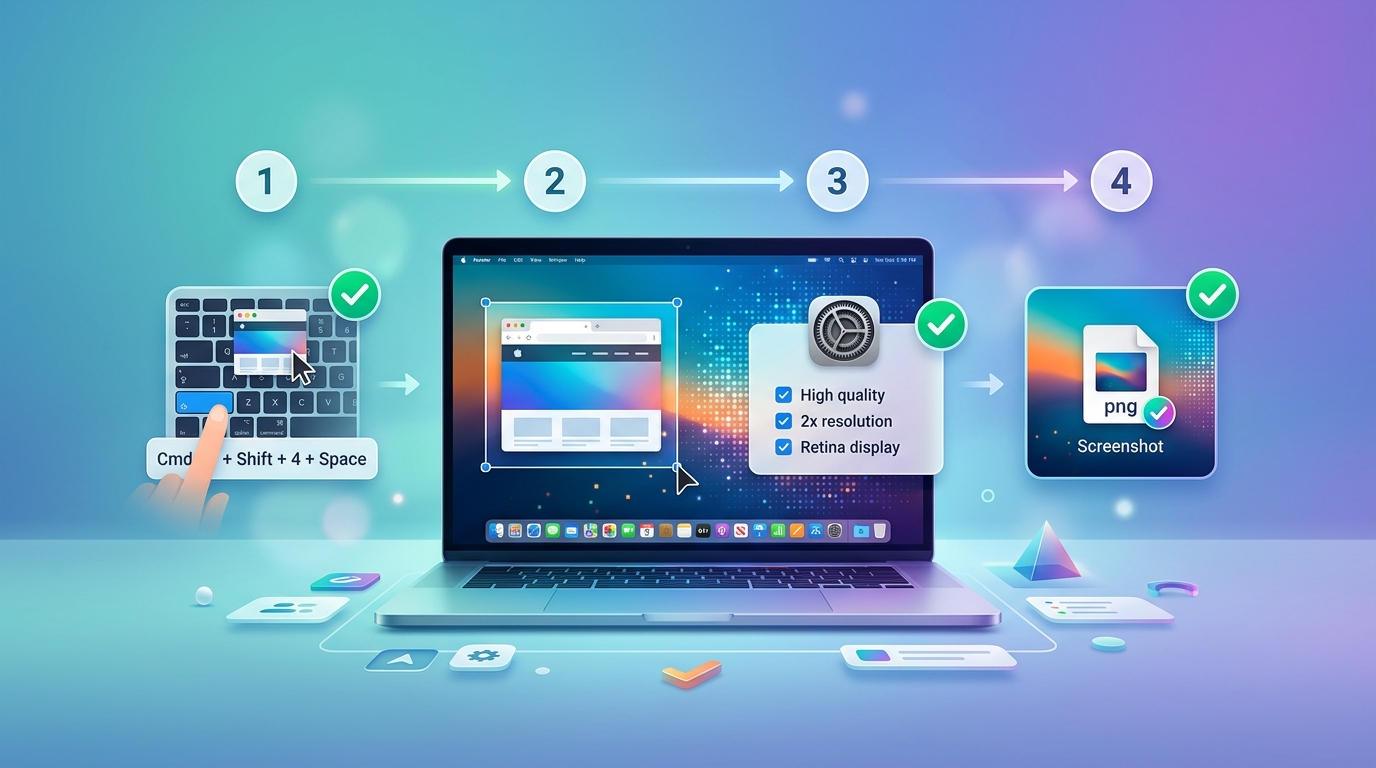
How to Capture High DPI Retina Screenshots
Capture retina-ready screenshots at 2x and 3x scale. PNG output stays crisp on Retina and 4K displays and review decks.

How to Screenshot a Password-Protected Page
Screenshot auth-gated pages from a server-side session. Capture protected dashboards, intranets, and SaaS without exposing credentials.